


For most of us, the web browser is the central hub for everything from heavy research to casually figuring out what to make for dinner. However, navigating multiple pages, cross-referencing details, and constantly jumping between different applications can quickly turn a simple task into a tedious chore. Google is actively looking to eliminate that friction by bringing its powerful artificial intelligence directly into the browser. The tech giant has officially launched Gemini in Chrome for users in Malaysia, integrating its latest Gemini 3.1 AI model to fundamentally streamline how we interact with the web.

The Always-On Digital Sidekick
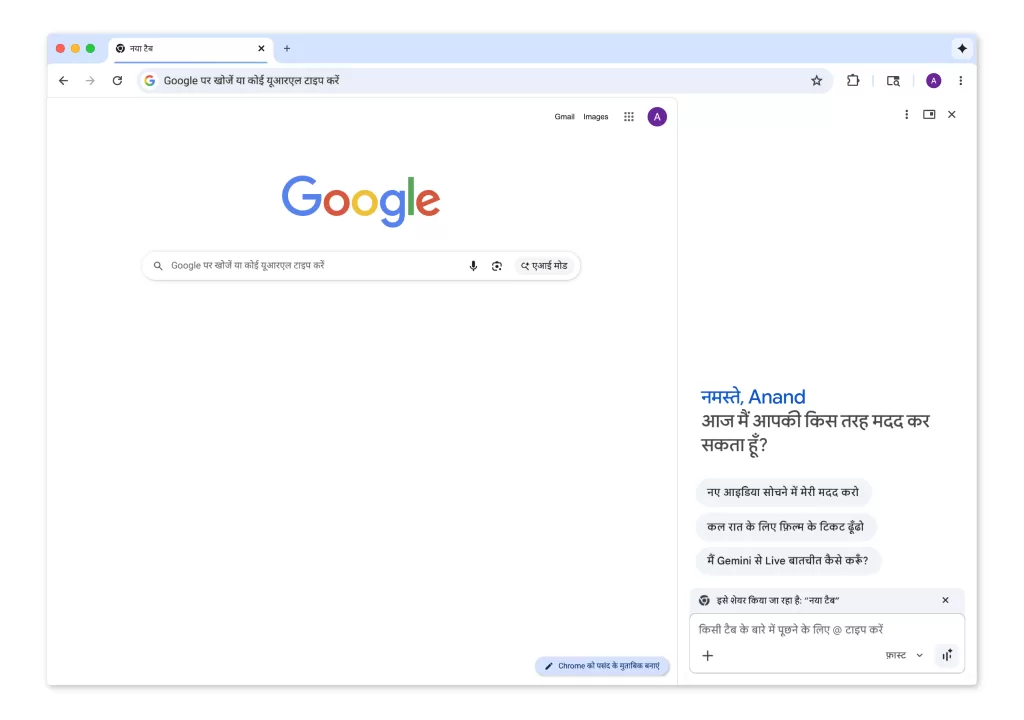
The most prominent change is the introduction of a highly capable side panel. By simply clicking the new Gemini icon in the top right corner of the current tab, users can summon a personalised browsing assistant without ever needing to open a new webpage or lose their place. This assistant acts as a powerful research tool, allowing you to instantly summarise incredibly lengthy articles, generate study quizzes, or ask specific contextual questions, such as figuring out how to make a displayed recipe vegan. It can even remember pages you have previously visited, allowing you to finally close out that massive backlog of tabs you have been saving for later.
The implementation of Gemini in Chrome does not just passively read web pages; it actively connects with your broader Google Workspace ecosystem. The integration allows Gemini to pull data from Gmail, Calendar, Maps, and YouTube so you can act on information the exact moment you find it. For example, if you are looking at an event page, you can ask the AI to seamlessly schedule a meeting on your Calendar or pull up location details from Maps. You can also use it to instantly extract the key points from a long YouTube video. The Gmail integration takes this a step further by allowing you to draft and send complete emails directly from the Chrome side panel. You simply instruct the AI on what to say, make any necessary manual edits in the panel, and hit send with a single click.
Mastering Multi-Tab Chaos
If you are the type of person who opens twenty tabs to research a single purchase, Gemini in Chrome is built to handle that specific chaos. The AI can actively read and work with the context of multiple open tabs simultaneously. This means you can easily cross-reference different sources and force the AI to consolidate all that scattered information into a single, cohesive view. If you are shopping for a specific product, you can ask Gemini to automatically generate a clean table comparing the key specifications and prices across several different retailer websites, making your final purchasing decision significantly easier.
On-The-Fly Image Generation
Beyond text and productivity, Google is also introducing serious creative capabilities directly into the browser. The company has natively integrated its Nano Banana 2 model into Chrome, giving users the ability to actively transform images on the fly. If you want to modify a picture you see on a webpage, you no longer have to download the file, open a separate photo editor, and re-upload the result. You simply type a descriptive prompt into the side panel explaining the changes you want to make, and the AI handles the transformation right in your current browser window. Google notes this is incredibly useful for tasks like interior design, allowing users to digitally mix and match furniture styles before pulling the trigger on a purchase.
Security and Availability
Handing an AI the ability to read your tabs and send your emails naturally raises immediate security concerns. To address this, Google explicitly designed these new features with strict safety guardrails from the start. The underlying models are actively trained to recognise and block known vulnerabilities like prompt injection attacks to ensure safe browsing. Furthermore, the system is hardcoded to ask for your explicit confirmation before executing any sensitive actions, such as finalising a calendar event or officially sending an email. Google also utilises automated red-teaming to continuously test and strengthen these layered defences against emerging threats.
The new Gemini in Chrome experience is currently rolling out to all users in Malaysia operating on Mac, Windows, and Chromebook Plus machines. For mobile users, the AI enhancements are initially available on iOS devices, while Android users can actively trigger Gemini across Chrome and other applications simply by holding down the power button.