


If handing a smartphone to your child feels like giving them the keys to a chaotic, unmapped city, you are certainly not alone. A recent survey revealed that more than four in five Malaysian parents are deeply concerned about online risks. In fact, while more than half of parents worry about managing screen time, a surprisingly low 21% actually use remote locking features to regulate it. Instead, many resort to exhausting active monitoring, constantly hovering over their kids’ shoulders to see what they are doing. Google is actively trying to change this dynamic, offering built-in tools that help parents shift from stressful surveillance to confident digital mentorship. Here is how you can use their ecosystem to gain some much-needed peace of mind.
Step 1: Establish Digital Boundaries with Family Link
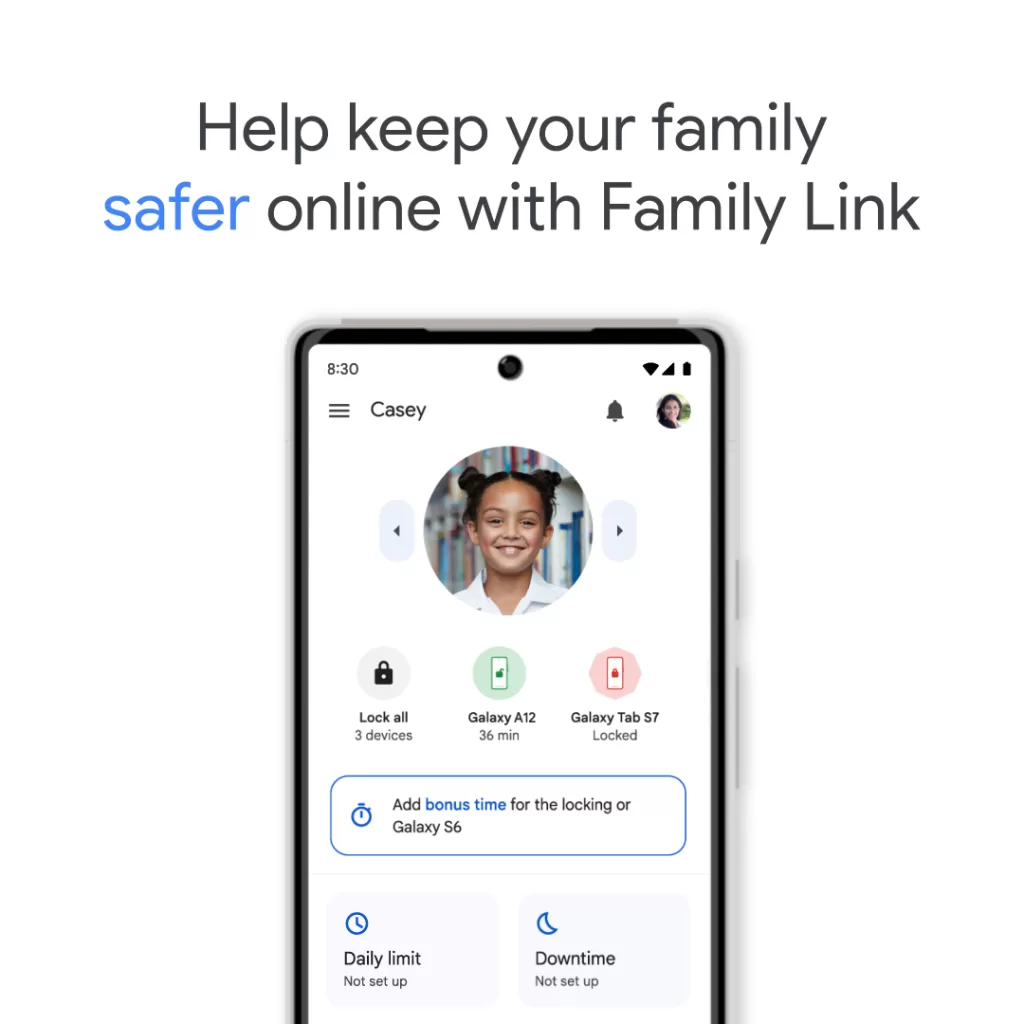
The first step to a healthier digital routine starts at the device level. Instead of endlessly arguing about when it is time to put the phone away, you can use Google’s Family Link application to automate the ground rules. This tool puts you directly in the driver’s seat, allowing you to set customised daily screen time limits for specific applications and manage the apps they download. You can also enforce specific device downtime or activate a dedicated “School Time” feature, ensuring the smartphone becomes a quiet tool for learning rather than a loud distraction when your child needs to focus.
Step 2: Assess Maturity for the Right App Experience

Not all children are ready for the wild west of the open internet, but handing a teenager a toddler-focused app is a surefire way to cause friction. Parents need to actively decide if their child should be restricted to dedicated, safe spaces like the YouTube Kids application or if they are ready to graduate to a supervised experience on the main YouTube platform. Google allows you to adjust these viewing environments based strictly on your child’s actual maturity level, ensuring they get age-appropriate content without feeling overly restricted.
Step 3: Filter the Wider Web
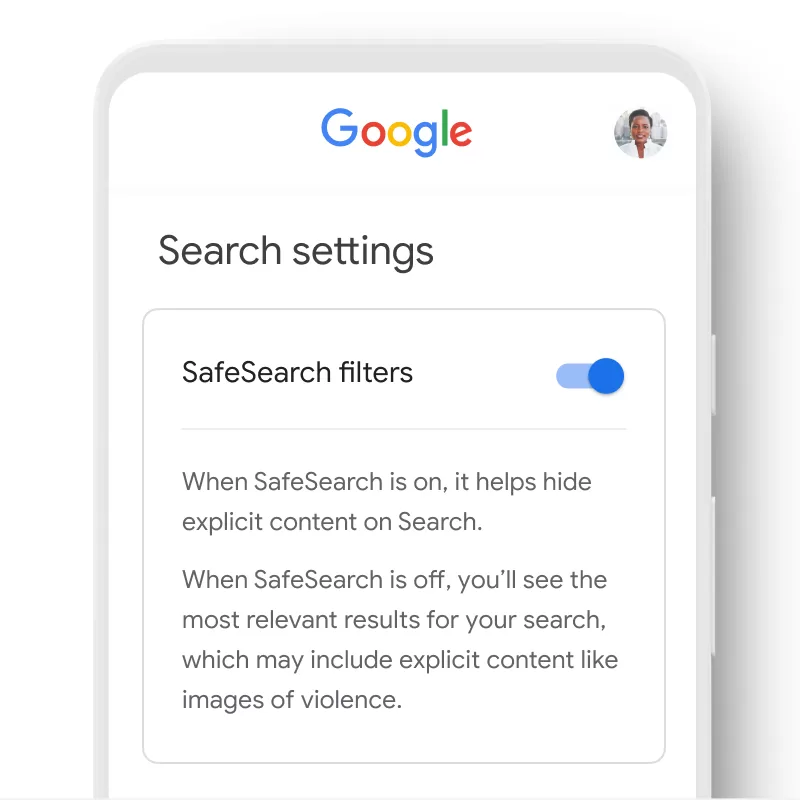
The internet is incredibly vast, and filtering out the noise is crucial to keeping your kids safe. To mitigate exposure without completely unplugging your household, you need to implement systemic content guardrails. Google allows parents to easily toggle SafeSearch to aggressively filter explicit content across standard websites and search results. You can take this a step further by directly managing the web browsing experience. Using Family Link, parents can actively manage exactly which websites their children are allowed to visit on Google Chrome. You can choose to block known mature sites, manually restrict specific domains you deem inappropriate, or even lock the browser down so your child can only access a strict list of pre-approved websites.
Step 4: Tame the Infinite Video Scroll

Endless scrolling is a hard habit to break, even for adults. To help younger users step away from the screen, parents can enable active digital wellbeing reminders directly within YouTube, such as automated “Bedtime” and “Take a Break” prompts. Perhaps the most practical new feature is the ability to specifically limit the amount of time kids spend swiping through YouTube Shorts. You can dial this limit all the way down to zero, practically forcing young users to pause, reflect, and reduce excessive short-form scrolling habits.
Building Digital Resilience Together

These technical safeguards are part of a much broader educational push. Google and YouTube recently introduced the ‘Bijak Digital Bersama Google dan YouTube’ initiative here in Malaysia. Designed specifically to equip families with practical knowledge and tools, the program encourages open dialogue and critical thinking rather than just strict, silent parental control. By combining these robust digital locking tools with guided literacy programs like Be Internet Awesome, parents and children can learn to navigate the online world together responsibly.