


For Mac users, stepping outside the Apple ecosystem for a monitor often feels like a compromise. You get the panel quality you want, perhaps at a better price point, but you lose that seamless integration where hardware and software talk to each other perfectly. You find yourself reaching for clunky buttons on the back of the monitor to change brightness or diving into OSD menus just to tweak contrast. ASUS is looking to smooth out that friction with a new suite of Mac-friendly updates for its ProArt line, effectively acknowledging that a huge chunk of its creative user base is plugged into a MacBook.
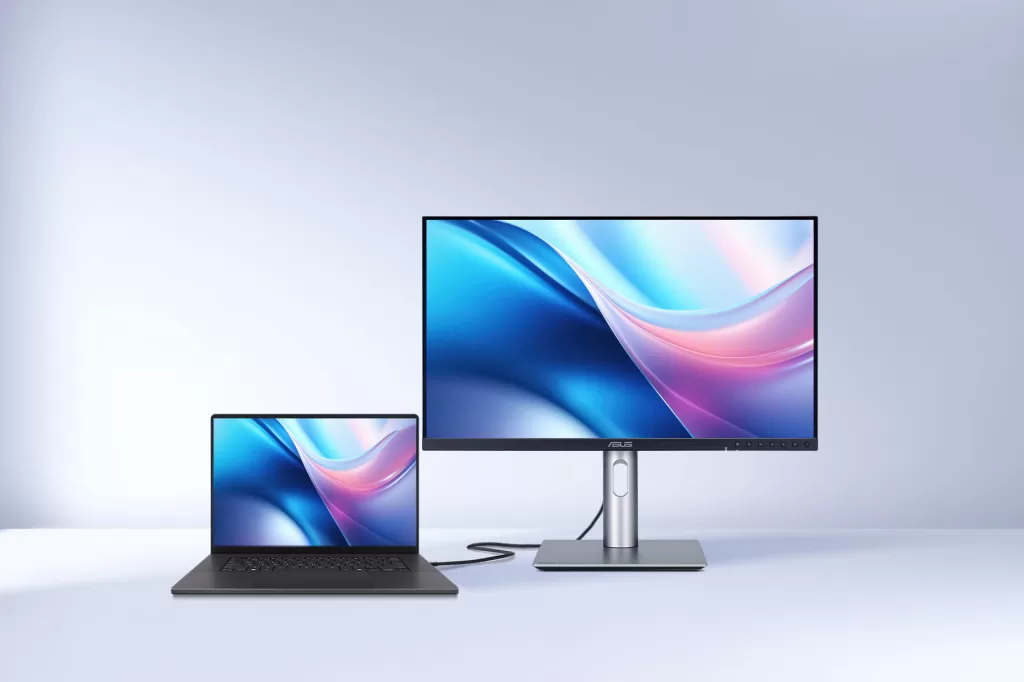
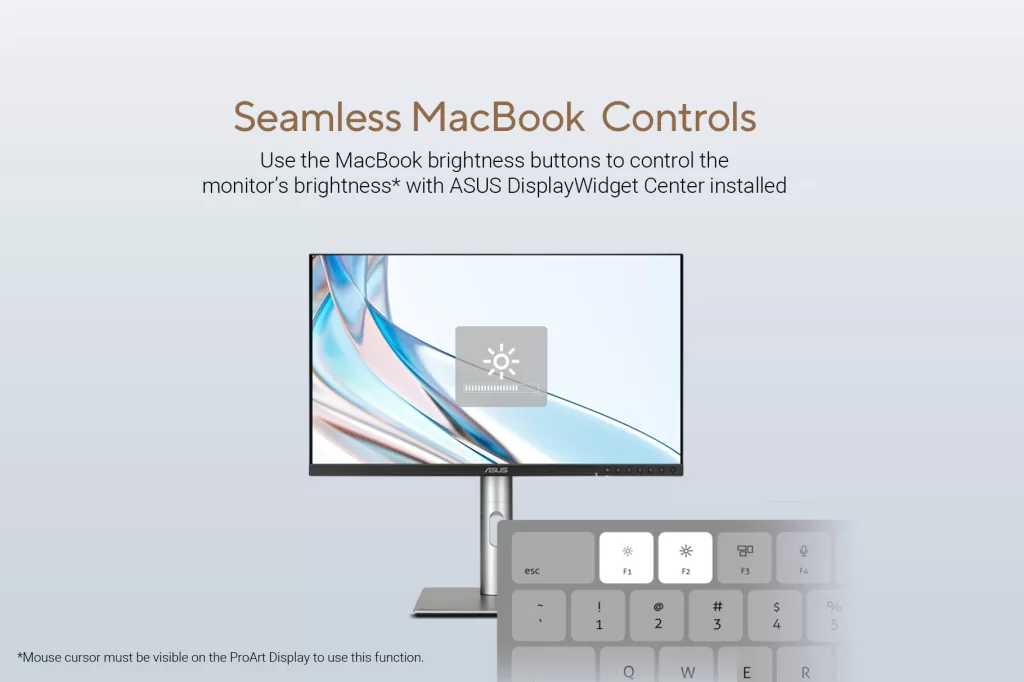
The most practical addition here is the arrival of the ASUS DisplayWidget Center for macOS. If you have ever used a third-party monitor with a Mac, you know the pain of losing your keyboard brightness controls. The native F-keys on your MacBook usually do nothing for the external display, forcing you to use physical buttons on the monitor bezel. With this new software, ASUS bridges that disconnect. Once installed, it allows the standard brightness shortcut keys on your MacBook to control the external ProArt monitor directly. It sounds like a minor quality-of-life update, but for daily use, keeping your hands on the keyboard rather than fumbling for hidden buttons is a significant workflow improvement.
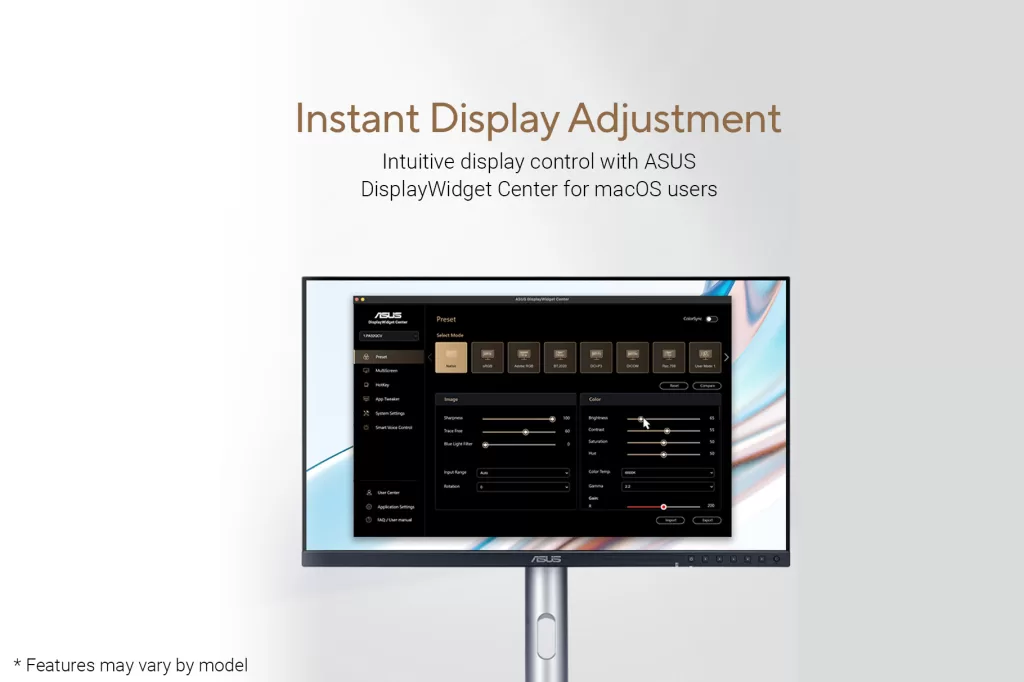
Beyond just brightness, the DisplayWidget Center provides a software interface for all those settings that usually live in the monitor’s on-screen menu. You can now adjust contrast, color temperature, and other display parameters using your mouse within the macOS environment. This eliminates the need to navigate confusing physical menus, making the process of calibrating your view much faster and more intuitive.
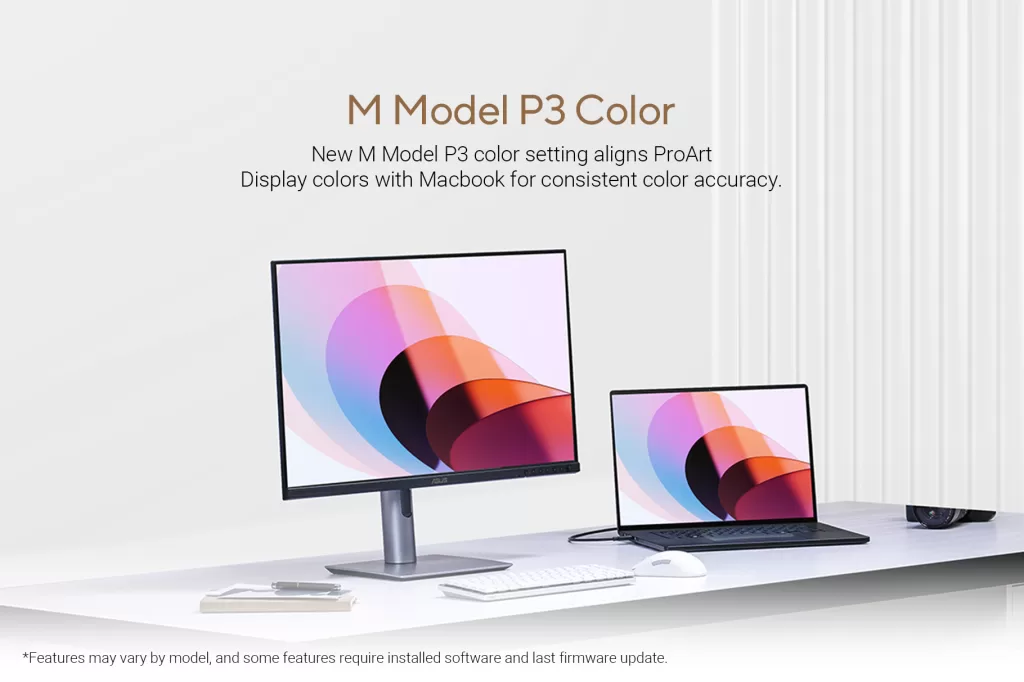
On the technical front, ASUS is addressing the color consistency headache that plagues designers who switch between their laptop screen and their main display. Apple’s displays use a specific tuning of the P3 color gamut, and third-party monitors often look slightly different even when set to the same color space. ASUS has introduced a new “M-Model P3” color setting, specifically engineered to mimic the color signature of a MacBook Pro. This aims to ensure that what you see on your laptop screen matches what is on your ProArt display, providing a consistent visual reference without the need for aggressive manual calibration.
These software enhancements sit on top of hardware that is already heavily slanted towards the Mac ecosystem. Many ProArt models feature Thunderbolt 4 or fully functional USB4 connectivity, allowing for a single-cable setup that handles video, data, and up to 96W of power delivery to keep your MacBook charged. Combined with factory calibration that promises a Delta E color difference of less than one, these displays are positioning themselves as a viable, high-performance alternative to Apple’s own expensive display offerings.
To sweeten the pot, ASUS is bundling these displays with a complimentary subscription to Adobe Creative Cloud. Depending on the region and the specific monitor purchased, users can redeem up to three months of access to the full suite of creative apps. It is a nod to the target demographic here: serious creators who need their tools to just work, regardless of the logo on the chassis.
These features are rolling out via firmware and software updates for select models in the ProArt lineup, including the PA248CRV, PA278CRV, PA279CRV, and various OLED models. If you are a Mac user sitting in front of a ProArt display, it is time to check for an update and reclaim your keyboard controls.