
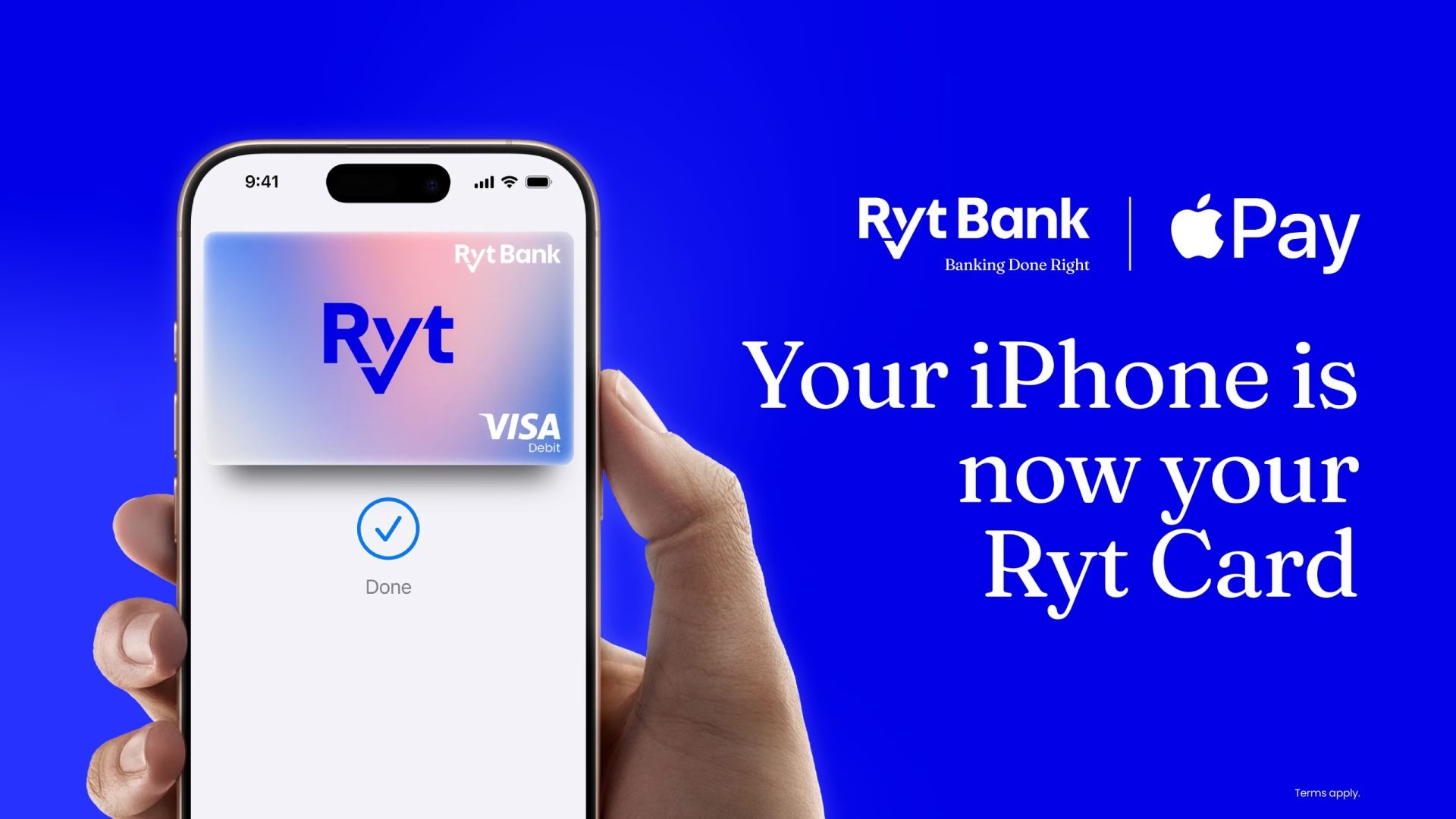
Paying for your morning coffee, grabbing groceries, or shopping online just got a whole lot easier. Modern digital banking in Malaysia is taking a massive leap forward today. Ryt Bank has officially announced an exciting update allowing customers to add their Ryt Card directly to Apple Wallet. This means you can use Apple Pay for a fast, secure, and convenient way to pay right in physical stores, across the web, and inside your favourite mobile apps. With this major rollout, Ryt Bank becomes the very first digital bank in Malaysia to support both Apple Pay and Google Pay.
This new feature builds seamlessly on earlier milestones for the platform. Ryt Bank previously introduced Google Pay support back in January of this year. By bridging support for both major contactless payment ecosystems, the bank is giving customers complete flexibility in how they spend their money. Whether you prefer carrying an Apple iPhone or an Android device, paying with your Ryt Card has never been simpler or more accessible. You can easily leave your physical leather wallet at home, travel light, and breeze through retail checkout lines with absolute confidence.
Security and peace of mind sit at the absolute heart of this new payment integration. Every single purchase made using Apple Pay is fully authenticated with advanced biometric security features. You can quickly use Face ID, Touch ID, or your secure device passcode to approve transactions in a split second. Furthermore, your real card numbers are never exposed to merchants during checkout operations. Apple Pay utilises a unique device account number paired with a transaction-specific security code. This robust, multi-layered approach ensures your private financial data remains completely protected against any digital threats.
Setting everything up takes just a few moments of your time. If you want to add your Ryt Card to Apple Wallet, the procedure is completely straightforward. First, simply open the Wallet app on your compatible Apple device. Next, tap the plus button located on the screen interface. Finally, follow the clear step-by-step instructions provided to finish adding your card. Within seconds, you are ready to tap, pay, and enjoy a much smoother digital lifestyle every single day.