

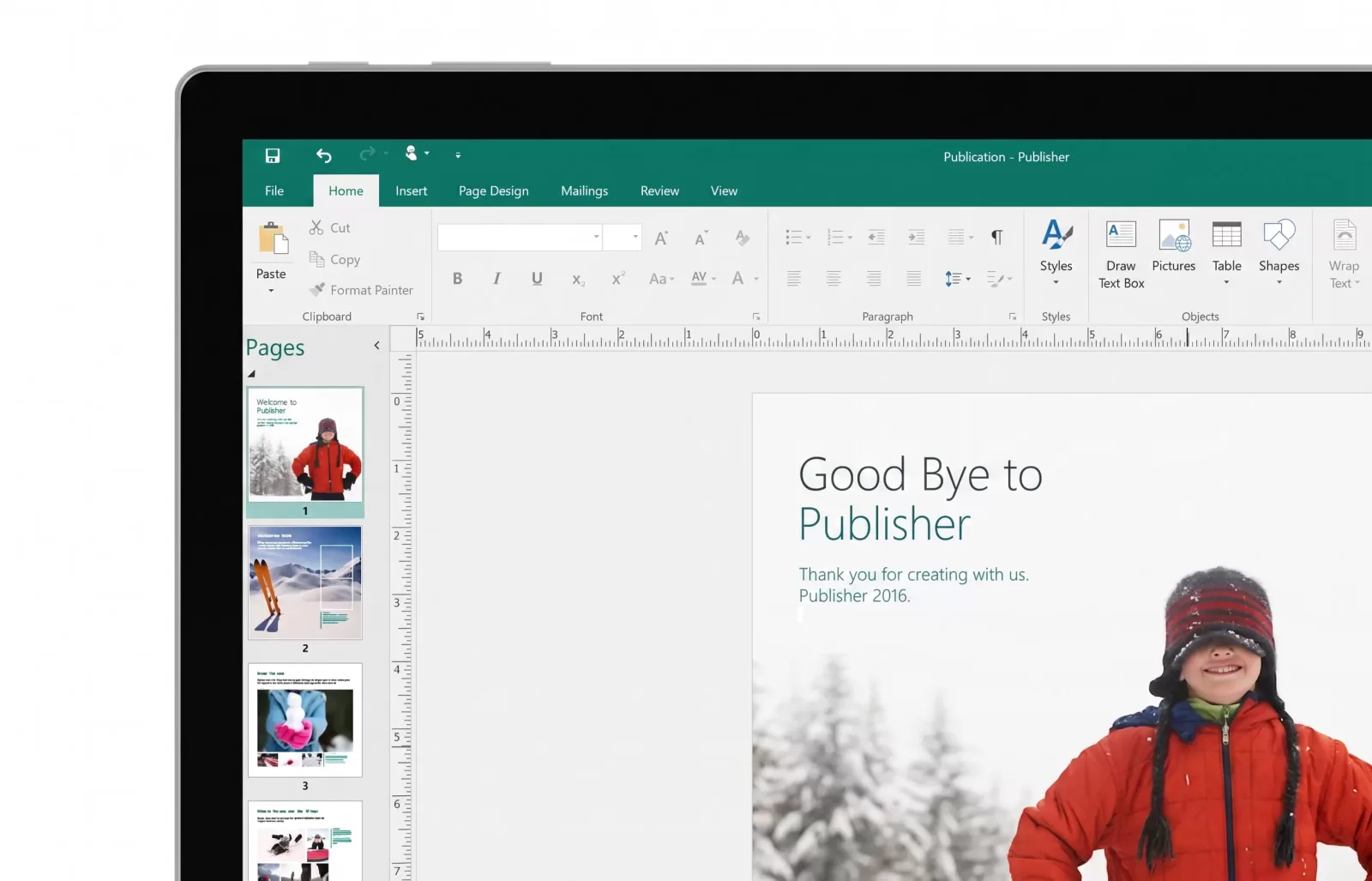
If you have ever spent a late night putting together a quick community newsletter, a school sports program, or a promotional flyer for a local bazaar, chances are you have crossed paths with Microsoft Publisher. After decades of serving as an accessible, go-to desktop publishing tool for quick layouts without the steep learning curve of professional design software, Microsoft is officially pulling the plug. With the hard cutoff arriving in October 2026, Microsoft 365 subscribers are facing a strict deadline as the application is completely removed from their productivity suites. For anyone who has relied on the program for straightforward design work between meetings or late-night administrative sprints, this upcoming removal requires immediate attention and preparation.
Microsoft has cited low subscriber usage and heavy capability overlap with existing powerhouses like Word and PowerPoint as the primary justifications for sunsetting the application. Unlike previous software phase-outs that lingered quietly with limited support, the October deadline brings a definitive end for cloud subscribers. Once the update rolls out across the ecosystem, the application will stop launching entirely, leaving users completely unable to open or edit proprietary files within Publisher itself. It is a stark reminder of how fast modern cloud services evolve, leaving legacy standalone utilities behind when overall usage metrics dip below expectations. For creative teams that built entire design templates around Publisher’s grid-based freedom, adjusting to these new software environments requires a well-considered migration strategy.
Because the proprietary format lacks open specifications, untouched legacy files risk becoming inaccessible digital dead ends once the application disappears from your system. Microsoft strongly recommends taking a proactive inventory of your digital archives right now rather than waiting until the eleventh hour. Users can open their legacy publications and use the standard save-as function to export files into universal formats like PDF for simple viewing or Word documents for future editing. For heavy users managing massive folders of design assets scattered across local storage or network drives, automation scripts can help streamline bulk conversions before the clock officially runs out. Taking these small steps today protects years of creative output from vanishing into digital obscurity.
While perpetual license holders running older standalone versions can technically keep running unsupported software at their own security risk, modern cloud subscribers must pivot their daily workflows. Microsoft directs creators toward Word, PowerPoint, and online design alternatives to handle everyday publishing tasks ranging from custom brochures and greeting cards to branded business cards and certificates. Transitioning your document formats today ensures you will not be caught completely off guard when your favorite lightweight publishing tool closes its doors for good. Taking a few proactive minutes to clean up and organize your digital workspace now will save you plenty of stressful administrative headaches down the road.