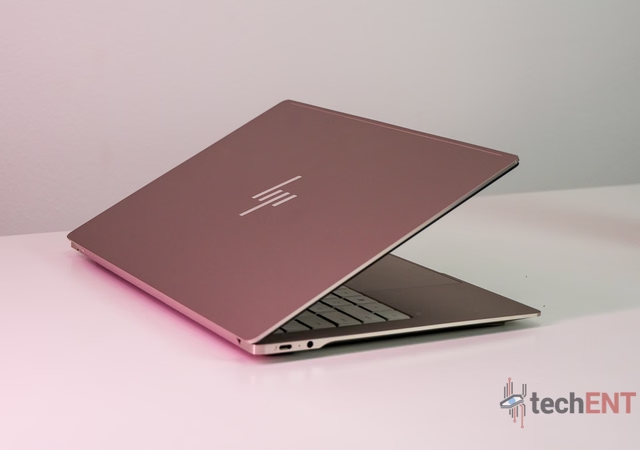

The HP OmniBook Ultra Laptop Next Gen AI packs Series 3 Intel Core Ultra processing, a vivid 14-inch 3K OLED touchscreen and a 70Wh battery into an ultra-thin aluminium design. Starting from RM8,699 in Malaysia, HP is positioning this as a premium AI PC for creators, professionals and travellers who want performance without carrying around a bulky machine.
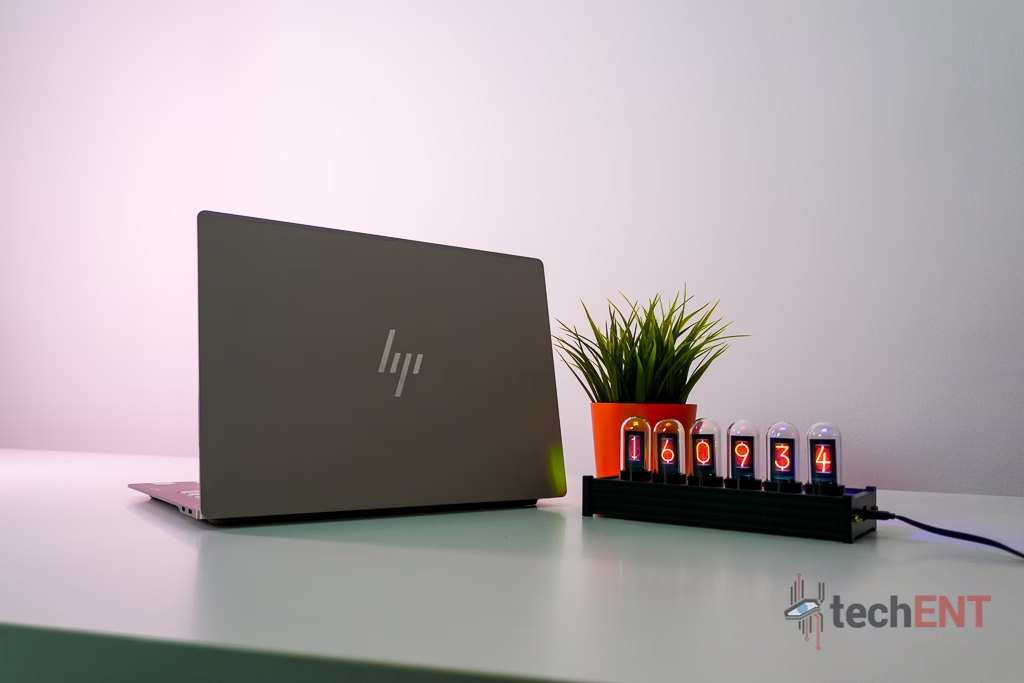
There is always a balancing act when it comes to premium ultraportable laptops.
You want something light enough to carry around all day, but you don’t necessarily want to sacrifice performance to get there. You want a good display, enough memory for demanding workloads, decent battery life and enough connectivity to get through a normal workday.
That’s essentially the proposition behind the new HP OmniBook Ultra Laptop Next Gen AI.
HP is pitching it as an AI PC built primarily for creators, professionals and travellers, with Series 3 Intel Core Ultra processors, integrated AI acceleration and a 14-inch 3K OLED touchscreen packed into an ultra-thin aluminium chassis.
Depending on configuration, the OmniBook Ultra can be equipped with up to an Intel Core Ultra X9 Series 3 processor, up to 64GB of LPDDR5x memory and up to 2TB of PCIe Gen 5 NVMe M.2 storage.
And in Malaysia, it starts from RM8,699.
That’s unquestionably premium laptop territory. So the question isn’t simply whether the OmniBook Ultra has impressive specifications.
It’s whether those specifications translate into things you’ll actually appreciate after spending that much money.
So, let’s get into it.
The Good
Portability is clearly one of the biggest selling points here. HP lists the starting weight at 1.28kg and has built the OmniBook Ultra around a forged-aluminium design with an anti-fingerprint finish.
The display is another highlight. Depending on configuration, the laptop offers up to a 14-inch 3K OLED touchscreen with a 2880 × 1800 resolution, 120Hz refresh rate and 100% DCI-P3 colour coverage.
You also get a 70Wh battery, HP Fast Charge, three Thunderbolt 4 USB-C ports and a 5MP camera backed by AI-powered features.
The Bad
The modern connectivity setup isn’t going to suit everyone.
HP has equipped the laptop with three Thunderbolt 4 USB-C ports, which gives you plenty of versatility, but anyone regularly working with legacy peripherals may still find themselves reaching for a dock or adapter.
And then there’s the price.
Starting at RM8,699, the OmniBook Ultra needs to offer more than impressive specifications. Buyers in this category should expect the overall experience, from the display and keyboard to battery life and everyday performance, to feel appropriately premium.
The Bottom Line TL;DR
The HP OmniBook Ultra Laptop Next Gen AI is designed for someone who wants a high-end productivity machine without carrying around a heavy laptop.
The combination of an ultra-thin aluminium chassis, 3K OLED display, Series 3 Intel Core Ultra hardware, 70Wh battery and modern connectivity certainly gives it the ingredients.
But with Malaysian pricing starting at RM8,699, this is very much a premium purchase.
The value proposition therefore comes down to how much you care about combining portability, display quality, performance and AI-focused features in one machine.
The Deets
Ultra-Thin, Lightweight and Actually Designed to Travel
Portability is one of the strongest parts of the OmniBook Ultra’s pitch.
HP lists a starting weight of 1.28kg, although the company notes that actual weight can vary depending on configuration and manufacturing variances.
That puts it firmly in the territory of a laptop designed to follow you around rather than permanently live on a desk.
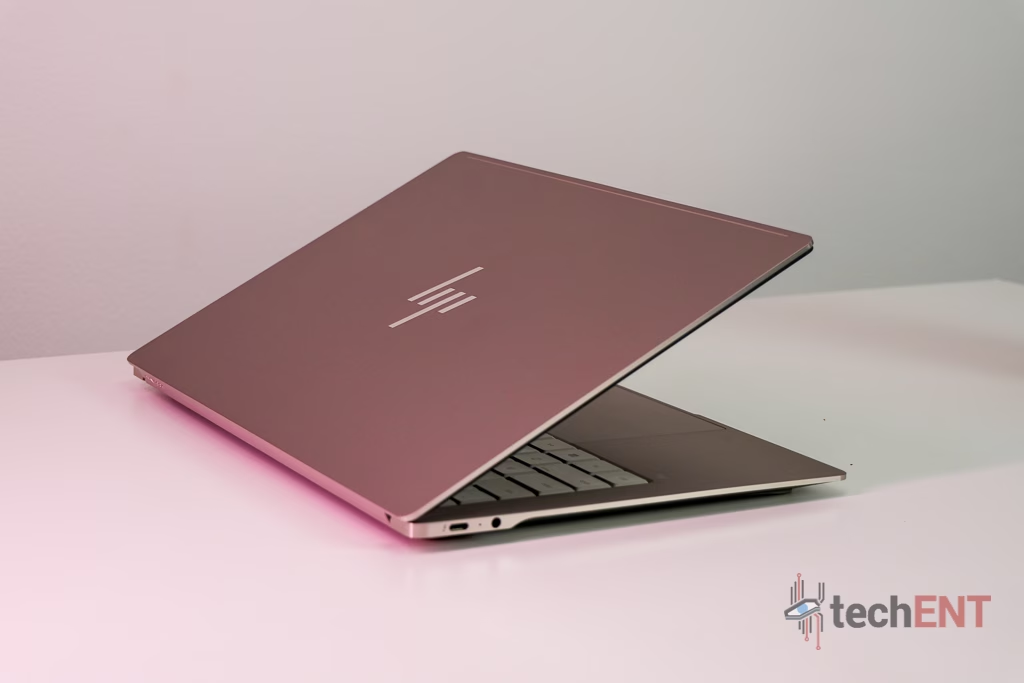
The chassis is crafted from forged aluminium, complete with an anti-fingerprint finish. HP also says the OmniBook Ultra has been tested against 20 MIL-STD standards and reinforces the display with Corning Gorilla Glass 3 to help it withstand the knocks associated with everyday travel.
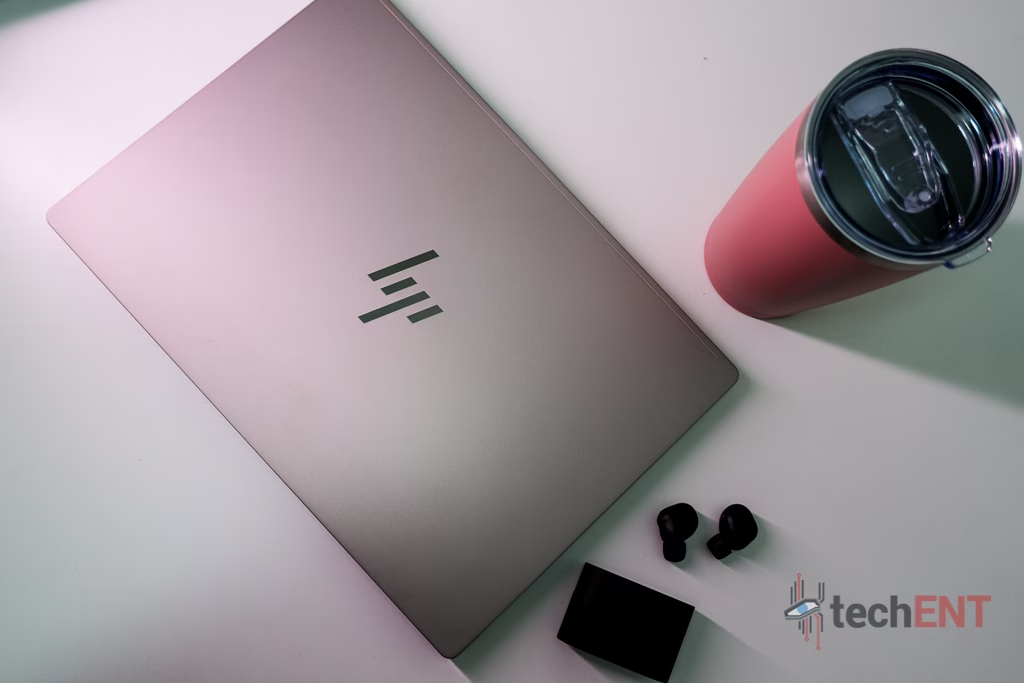
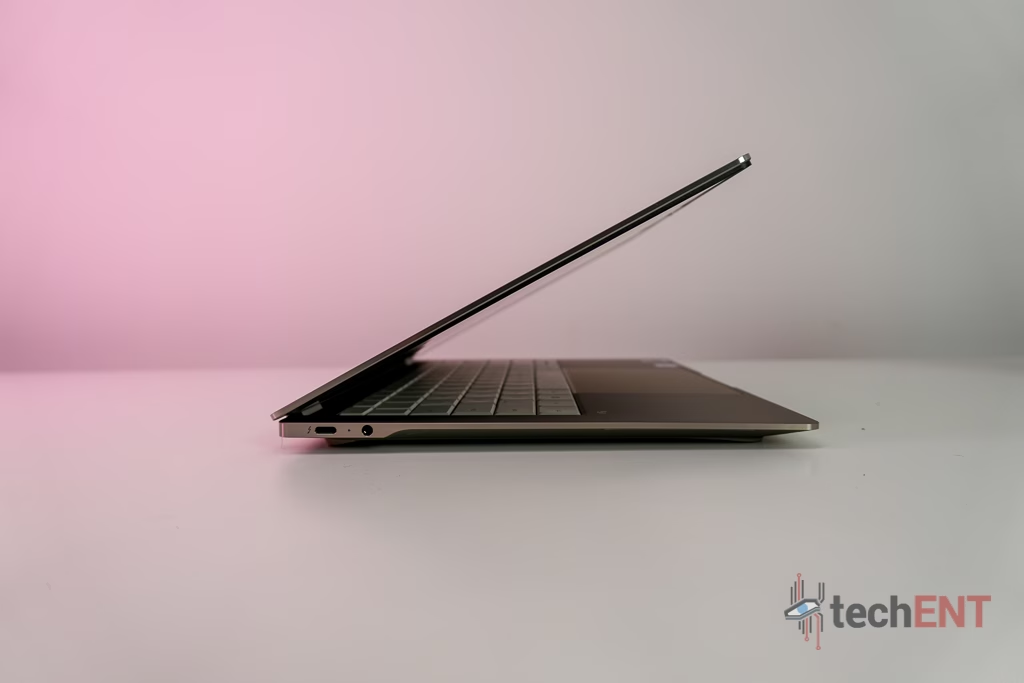
HP describes the chassis as an ultra-thin 10.7mm design. Its more detailed measurements list the front at 7.34mm, rear at 10.79mm and maximum height at 13.95mm.
For people regularly working between home, office, meetings and wherever else the day takes them, that’s arguably more meaningful than shaving another few seconds off a benchmark.
Three Thunderbolt 4 Ports Keep Things Modern
Connectivity is equally forward-looking.
The OmniBook Ultra comes with three Thunderbolt 4 USB-C ports, capable of transfer speeds of up to 40Gbps.
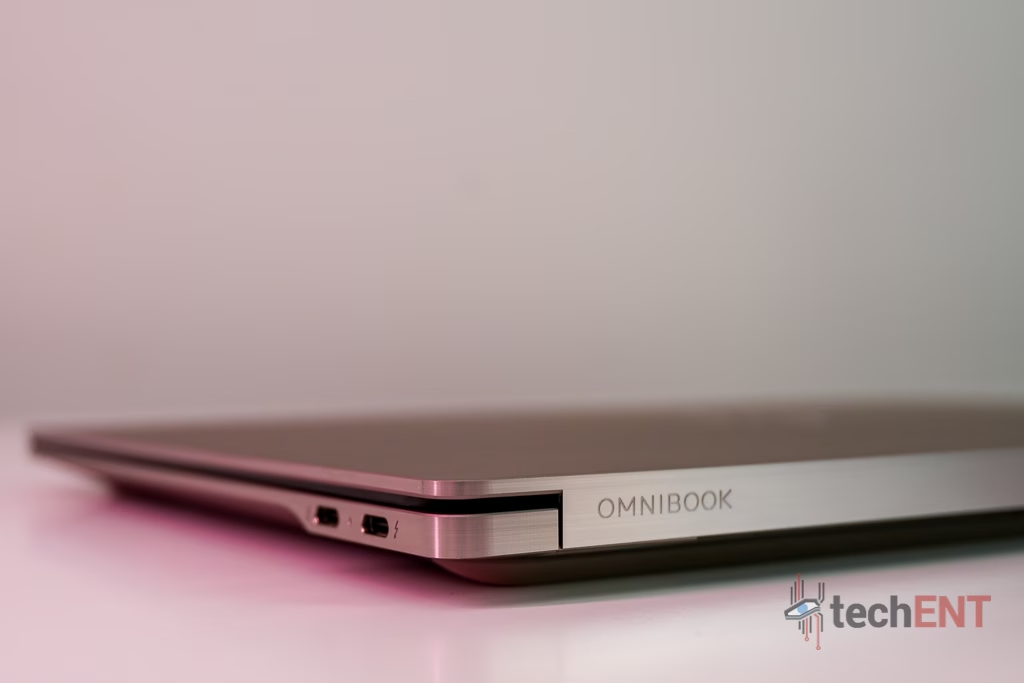
That makes it easy to connect compatible displays, storage and other peripherals through USB-C.
Of course, the flip side of that modern approach is that anyone still regularly using older peripherals may want a dock nearby.
HP itself recommends pairing the laptop with its USB-C Dock G5, which can connect displays, accessories and wired networking through a single USB-C cable while also charging the laptop.
That’s useful at a desk.
On the road, however, it’s another accessory to think about.
HP OmniBook Ultra Specifications
| Feature | Specification |
|---|---|
| CPU | Up to Intel Core Ultra X9 Series 3 processor |
| NPU | Up to 50 NPU TOPS |
| RAM | Up to 64GB LPDDR5x-9600 MT/s |
| Storage | Up to 2TB PCIe Gen 5 NVMe M.2 SSD |
| Display | Up to 14-inch 3K (2880 × 1800) OLED touchscreen |
| Refresh Rate | 120Hz |
| Colour Coverage | 100% DCI-P3 |
| Weight | Starting at 1.28kg |
| Battery | 70Wh |
| Ports | 3× Thunderbolt 4 USB-C |
| Camera | 5MP |
| Audio | Quad speakers, HP Audio Boost, DTS:X Ultra, tuned by Poly Studio |
| Malaysian Price | From RM8,699 |
The processor, memory, storage and display figures above are maximum configuration specifications rather than a promise that every retail configuration contains the same hardware.
Series 3 Intel Core Ultra Brings AI Into the Picture
AI is a major part of HP’s pitch for the OmniBook Ultra.
At the top end, HP offers a Series 3 Intel Core Ultra X9 processor with up to 16 cores, accompanied by an NPU capable of delivering up to 50 TOPS of AI performance.
Configurations can also reach 64GB of LPDDR5x memory and 2TB of PCIe Gen 5 NVMe M.2 storage.
Those are serious numbers for a machine this portable.
But consumers don’t buy TOPS. They buy laptops to get things done.
The more important question is whether all that processing capability makes your everyday workflow quicker and smoother, whether that’s jumping between applications, working with creative software, handling video calls or using newer AI-assisted tools.
HP has also fitted a compact vapour chamber to help maintain performance during sustained workloads.
Those hands-on results are important before drawing conclusions about how the laptop performs under sustained use.
That 3K OLED Display Is One of the Main Attractions
If there’s one feature that immediately makes the OmniBook Ultra feel like a premium laptop, it’s the display.
HP offers up to a 14-inch 3K OLED touchscreen with a resolution of 2880 × 1800, a 120Hz refresh rate and 100% DCI-P3 colour coverage.
That’s a particularly attractive combination for creators.
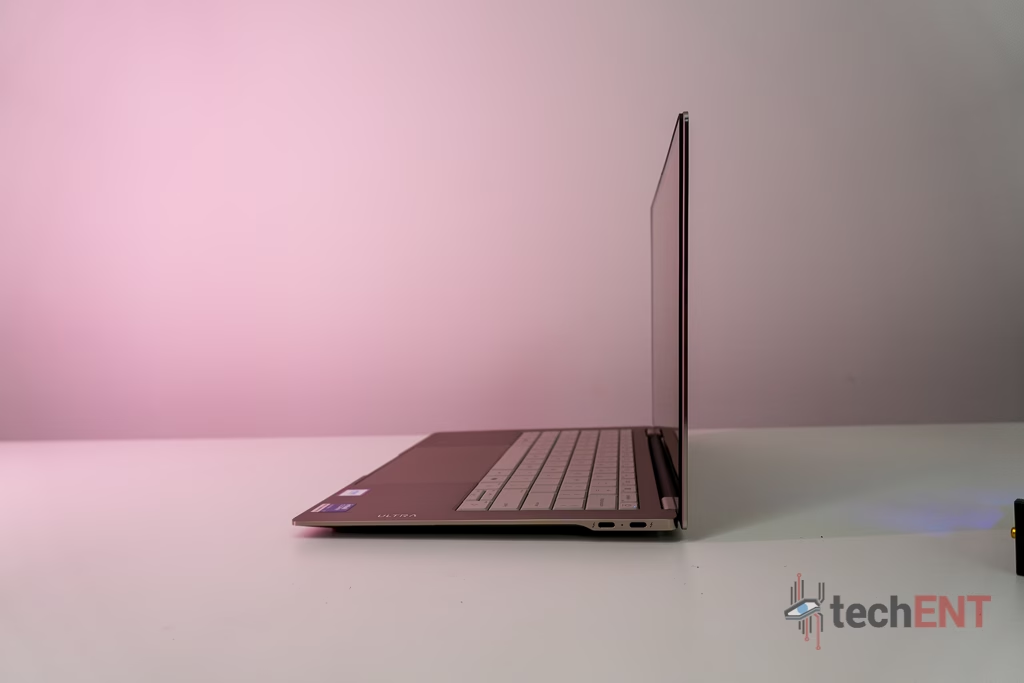
The 3K resolution gives you plenty of detail on a relatively compact screen, while OLED brings the strong contrast and deep blacks associated with the panel technology.
The 120Hz refresh rate isn’t just useful for gaming either. Scrolling through webpages, moving between applications and navigating the desktop all benefit from smoother motion.
HP specifically highlights the 100% DCI-P3 wider colour gamut as part of the laptop’s focus on delivering true-to-life visuals.
For a laptop starting at RM8,699, the display needs to be one of the reasons you’re willing to pay the premium, and the specifications certainly give it a strong foundation.
A Haptic Touchpad and Lattice-Less Keyboard
This is another area where HP has done more than simply fit a keyboard into a thin chassis.
The OmniBook Ultra features a lattice-less keyboard and haptic touchpad, which HP says are designed to provide comfort, speed and intuitive gestures.
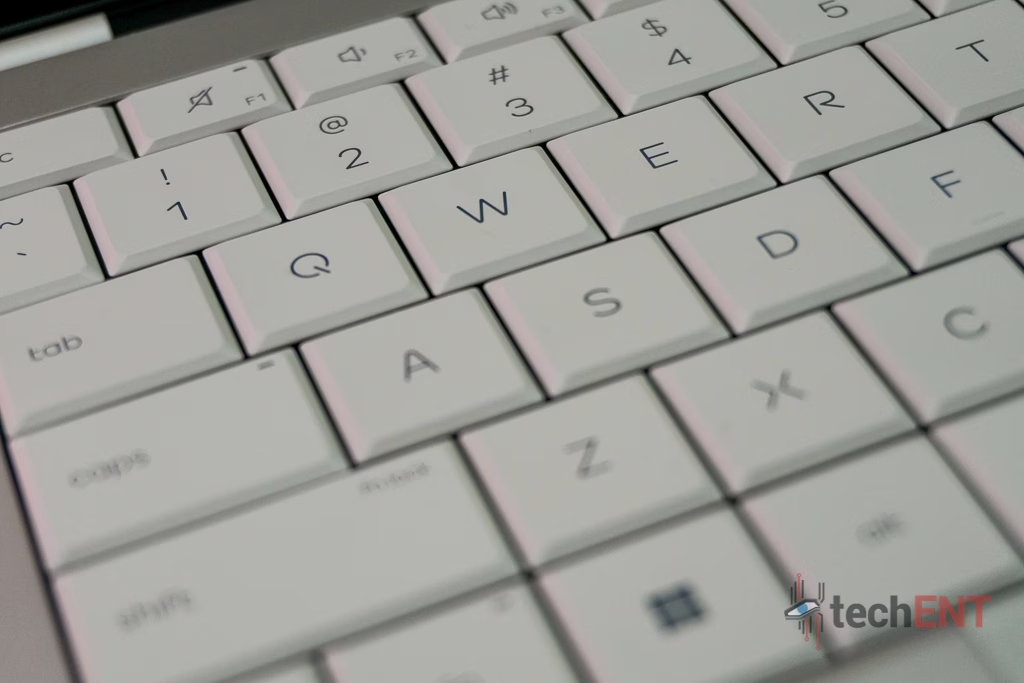
The haptic touchpad is particularly interesting because the click sensation doesn’t need to rely on the conventional mechanical movement of a traditional touchpad.
But this is also something that needs to be judged through use rather than a spec sheet.
If you’re buying this primarily as a productivity machine, these are arguably among the most important parts of the laptop. You’ll interact with them considerably more often than you’ll think about how many TOPS the NPU can produce.
The 5MP Camera Is About More Than Resolution
Video calls are another area where HP is leaning into AI.
The OmniBook Ultra comes with a 5MP camera, but the more interesting features are the software around it.
HP highlights an AI-powered camera experience, intelligent noise reduction and posture detection aimed at improving video calls and everyday ergonomics.
Posture detection is particularly interesting for a laptop designed around professionals. It’s the sort of AI implementation that’s easier to understand than simply throwing an AI badge onto the chassis.
Whether you’ll actually keep it enabled is another question.
Quad Speakers Tuned by Poly Studio
The audio system combines quad speakers, HP Audio Boost and DTS:X Ultra, with tuning by Poly Studio.
HP says the setup is designed to provide balanced audio across both calls and content.
For the consumer, though, the question is simpler.
Can you hear everyone clearly during a meeting? Can you watch a movie without immediately reaching for headphones? And does music actually have enough body to sound enjoyable?
Those things matter more than the collection of audio logos on the specification sheet.
A 70Wh Battery With Fast Charging
The OmniBook Ultra is equipped with a 70Wh battery, which is paired with HP Fast Charge.
HP says the laptop can recharge to approximately 50% in around 45 minutes when the system is shut down and used with the supplied or recommended HP power adapter. Charging time can vary by around 10%.
That’s useful for a laptop built around mobility.
If you’ve forgotten to charge overnight, being able to recover a meaningful amount of battery while getting ready or sitting between meetings could genuinely make a difference.
But battery capacity and charging speed aren’t the same thing as endurance.
The OmniBook Ultra is still powering a high-resolution OLED touchscreen capable of running at 120Hz. How well that 70Wh battery holds up during an actual working day is therefore important.
HP itself notes that battery life will vary depending on configuration, applications, features, wireless functionality and power settings.
So, Is the HP OmniBook Ultra Laptop Next Gen AI Worth It?
The OmniBook Ultra makes its intentions pretty clear.
HP isn’t trying to make the cheapest productivity laptop on the market. It’s targeting creators, professionals and travellers who want powerful hardware without carrying around a bulky machine. Those are also the three audiences HP explicitly identifies for the device.
And there’s plenty here to support that positioning.
The forged-aluminium construction and starting weight of 1.28kg make portability a genuine selling point. There’s a 70Wh battery, three Thunderbolt 4 ports and a compact vapour chamber packed into the chassis.
The display is arguably the star of the show, with up to a 14-inch 3K OLED touchscreen, 120Hz refresh rate and 100% DCI-P3 colour coverage.
At the top end, you can configure the laptop with an Intel Core Ultra X9 Series 3 processor, 64GB of LPDDR5x memory and 2TB of PCIe Gen 5 storage.
Then there are the smaller quality-of-life additions: the haptic touchpad, lattice-less keyboard, 5MP camera, intelligent noise reduction, posture detection and quad-speaker system.
But Malaysian pricing starts at RM8,699.
That means this isn’t a laptop you buy simply because you need Microsoft Word, Chrome and Netflix.
It’s a premium machine for someone who places real value on portability, display quality, higher-end hardware and the ability to take that combination wherever they work.
If those things aren’t priorities, there are cheaper ways of getting through a working day.
But if they are, the OmniBook Ultra makes a much more interesting case.
The real question isn’t whether the HP OmniBook Ultra Laptop Next Gen AI can do the job.
It’s whether having this much hardware in such a portable package is worth paying at least RM8,699 for.